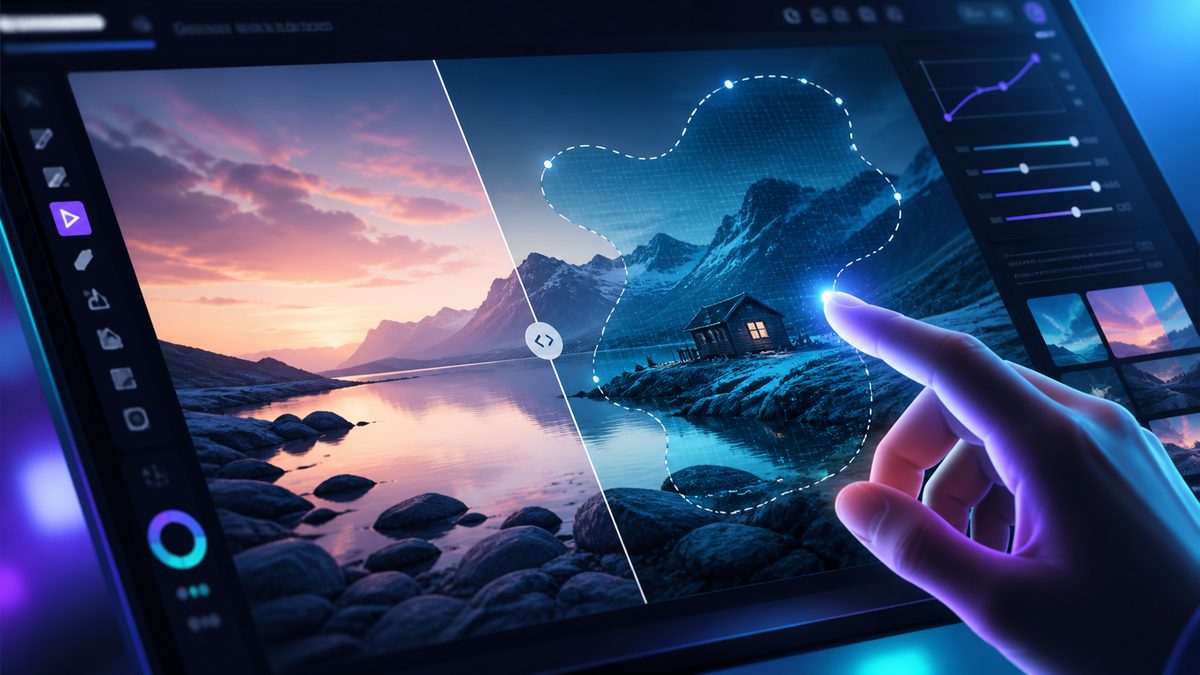
xAI shipped Imagine Image 2.0 as the new Quality Mode on grok.com/imagine and its mobile apps, adding precise editing tools and a smart resize feature, with Elon Musk highlighting instant hover-to-edit.
What’s New
The image editor inside Grok just got more surgical. xAI announced Imagine Image 2.0 on August 7, and Elon Musk followed up on August 9 with a demo of the feature that will get most of the attention: you hover over any region of an image and edit it on the spot, while the rest of the picture stays untouched.
The update is built around one goal, as xAI put it: make images you can use in real work. Image 2.0 follows instructions closely, plans typography and layout the way a designer would, and keeps small text sharp even in dense multi-part visuals.
The editing toolbox now includes:
- A magic wand that changes only the region you point at
- Segmentation for selecting precise areas of an image
- Background removal that exports any subject with a transparent background
- Multi-ref editing that accepts up to five input images in a single generation
There is also smart resize: pick any aspect ratio and the model fills in the frame, so one image can be re-used as a square thumbnail, a 9:16 story, or a wide banner without manual cropping.
Rankings and Templates
xAI says Image 2.0 ranks second in the world in both text-to-image generation and image editing on the Arena leaderboards, which cover both the Text-to-Image Arena and the Image Edit Arena as of August 7. Editing is treated as a first-class capability, not an afterthought bolted onto a generator.
New templates package common workflows into ready-made starting points: photo editing, product shots, headshots, icons, and game assets, with the workflow already configured. You supply the inputs and get a finished result.
Platforms
Image 2.0 is available as the new Quality Mode on grok.com/imagine and in the iOS and Android apps, so it is not a waitlist feature. The templates sit on top of the same workflow: photo editing, product shots, headshots, icons, and game assets each ship with the steps pre-configured, which shortens the distance between opening the tool and getting a usable output.
For anyone producing multi-platform visuals, smart resize is the quiet workhorse. One source image can become a square product card, a 9:16 story, and a wide banner without manual reframing, which is exactly the kind of repetition that burns time in real projects.
Why It Matters
Precise editing is the gap most image generators still cannot cross. If you are comparing tools, the hover-to-edit workflow matters more than the headline ranking, because it changes how fast you can iterate from first generation to final asset. For a fuller picture of where the category stands, our rundown of the best AI image generators compares quality, editing depth, and pricing across the current field.